![Full Drugs Package [Processing + Sales] FiveM script preview](/uploads/card/3142e2a42fbc63b2ab5117831db04494.webp)
Full Drugs Package [Processing + Sales]
$12.00
Complete drug processing and street sales for immersive RP
Instant digital delivery
FiveM script
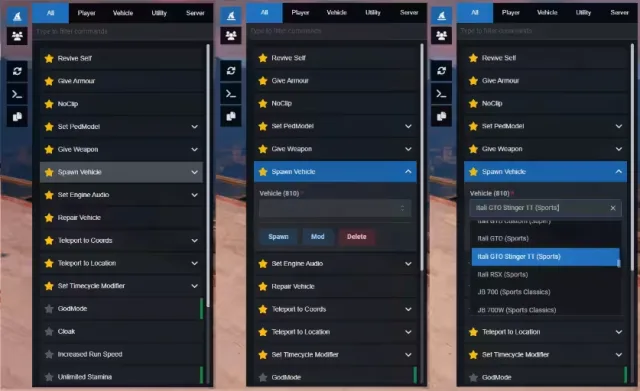
Searchable NUI admin menu with QBCore quick actions
Screenshots and video of the script in an actual server, not mockups. Have a look here, then order from the panel on the right.
Everything below is the creator's own published description — features, requirements and setup notes, exactly as they wrote them.
A modern NUI admin menu for FiveM servers. It provides a searchable command panel, live player list, quick-action shortcuts, and built-in utility toggles (noclip, godmode, teleports, and more). Commands are driven by JSON configuration and executed through the server’s existing admin command set.
Resource
Required
Purpose
ox_lib
Yes
Callbacks, notifications, dialogs, vehicle properties, clipboard
oxmysql
Yes
Server script dependency
qb-core
No
Unlocks QBCore player data, jobs, gangs, items, and extra commands
The UI is pre-built under web/build/. To rebuild after editing the React source, run npm install and npm run build inside web/.
Method
Details
Keybind
U (default) — Open Admin Menu
Command
/admin
Event
TriggerEvent("admin:toggleMenu", true) or false to close
Closing: use the NUI close callback or toggle the menu off with the same methods.
Button — single click runs the command.
Forms support these argument types (configured in shared/commands.json):
Type
Description
input
Text field
number
Numeric input with min/max/step
select
Searchable dropdown (static options, optionsKey, or live getOptions)
multi-select
Multiple selection
checkbox
Boolean toggle
slider
Range slider
autocomplete
Typeahead from a fixed list
Select fields can chain options (e.g. pick a job → load grades via setOptions / NUI callback).
When the menu opens, the client refreshes:
Configured in shared/quickactions.json:
Action
Icon
Description
Reload commands
fa-sync-alt
Clears saved favorites (commands-r) after confirmation
Dev mode
fa-terminal
Toggles dev mode (dev); highlights when active; fires hud:client:toggleDev
Copy coords
fa-copy
Submenu: copy vector3 or vector4 to clipboard
Logout
fa-sign-out-alt
QBCore only — runs logout and closes the menu
Quick actions support button and menu (hover submenu) types.
These are implemented in client/commands.lua (or registered on the server) and appear in the menu via shared/commands.json. Additional server commands (e.g. revive, car, fix, kick, ban) are executed with ExecuteCommand and must exist on your server.
Command
Type
Description
Revive Self
Button
Runs revive (framework/admin resource)
Give Armour
Button
Sets ped armour to 100
Remove Stress
Button
QBCore — sets player stress metadata to 0
Relieve Needs
Button
QBCore — sets hunger and thirst to 100
Set PedModel
Form
Change ped model (self or target); 800+ models in pedmodels.json
Give Weapon
Form
Give weapon + ammo to self or target
Give Money
Form
QBCore — cash or bank to a target
Set Job
Form
QBCore — target, job, and grade (grades load dynamically)
Set Gang
Form
QBCore — target, gang, and grade
Give Item
Form
QBCore — target, item, and amount
Command
Type
Description
Spawn Vehicle
Form
Spawn from 3000+ vehicles in vehicles.json; extra buttons Mod and Delete (dv)
Set Engine Audio
Form
ForceVehicleEngineAudio using another vehicle model; Reset extra button
Repair Vehicle
Button
Runs fix (external command)
Teleport to Vehicle
—
tpv — warp into driver seat of current vehicle
Mod (mod) — max performance mods, turbo, xenon, custom wheels, tint, etc. via ox_lib vehicle properties.
Command
Type
Description
GodMode
Toggle
Player invincibility
NoClip
Toggle
Freecam flight; closes menu; see NoClip / Freecam
Cloak
Toggle
Makes ped invisible
Increased Run Speed
Toggle
1.49× run and swim multiplier
Unlimited Stamina
Toggle
Continuous stamina restore
Superjump
Toggle
Super jump every frame
Night Vision
Toggle
Night vision overlay
Thermal Vision
Toggle
Thermal/seethrough overlay
Teleport to Marker
Button
Runs tpm
Teleport to Coords
Form
tpc x y z — optional keep vehicle
Teleport to Location
Form
tpl from 80+ preset locations in teleports.json; optional keep vehicle
Set Timecycle Modifier
Form
700+ modifiers in timecycles.json with strength slider; Clear resets to default
Dev
Toggle
Toggles dev HUD via hud:client:toggleDev
Command
Type
Description
Kick Player
Form
Target + reason
Kick All
Button
Runs kick with no args (server-wide)
Ban Player
Form
Target, reason, and ban length
Command
Description
pedmodel [model] [target?]
Change ped model (ACE: group.admin)
giveweapon [weapon] [ammo?] [target?]
Give weapon to ped (ACE: group.admin)
Command
Description
copycoords vec3 / vec4
Copy position (and heading for vec4) to clipboard
commands-r
Reset favorite commands (with ox_lib confirm dialog)
tpc
Teleport to raw coordinates
tpl
Teleport to named location from JSON
tpv
Warp into vehicle driver seat
timecycle
Apply or clear timecycle modifier
engineaudio
Change or reset vehicle engine sound
On resource stop, toggles (godmode, speed, visibility, vision, timecycle) are reset automatically.
NoClip uses an embedded freecam system (client/freecam/):
When qb-core is running, the resource:
Without QBCore, targets and players still list server ID and name only.
Define menu entries: label, command, type (button | form), filter, optional active, close, fav, args, and buttons (custom execute label and extra action buttons).
Sidebar shortcuts: command, icon (Font Awesome class), type (button | menu), optional items for submenus, active, close.
Loaded at runtime and exposed to the UI for selects and autocomplete:
File
Contents
vehicles.json
Vehicle spawn names (~3000)
weapons.json
Weapon hashes
pedmodels.json
Ped model names (~800)
teleports.json
Named locations with coords and inside / outside type
timecycles.json
Timecycle modifier names (~700)
weather.json
Weather types (loaded for custom commands; not used by default menu)
items.json
Inventory items (~225)
jobs.json
Job names
gangs.json
Gang names
Edit these JSON files to match your server without changing Lua or React code.
Configure ACE principals in your server config so only staff can open and use the menu.
Name
Side
Description
admin:toggleMenu
Client
(boolean) open/close menu
admin:server:RemoveStress
Server
QBCore stress reset
admin:server:RelieveNeeds
Server
QBCore hunger/thirst reset
ag:setPedModel
Client
Apply ped model from server
Callbacks: ag:getTargets, ag:getPlayers, ag:GetPedheadshotTxdString.
Web package version: 2.0.0 (web/package.json).
Complete drug processing and street sales for immersive RP
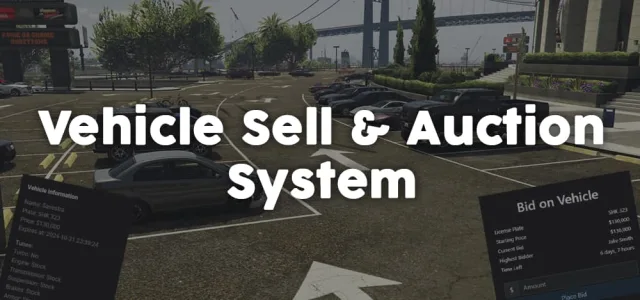
List, bid, and sell vehicles with full mod preservation
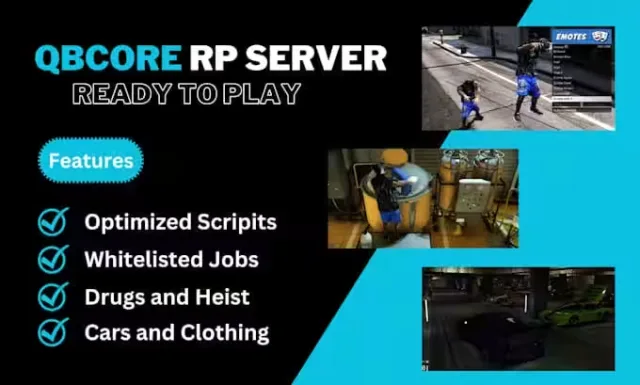
Premium QBCore V8 server with 400+ vehicles and immersive roleplay
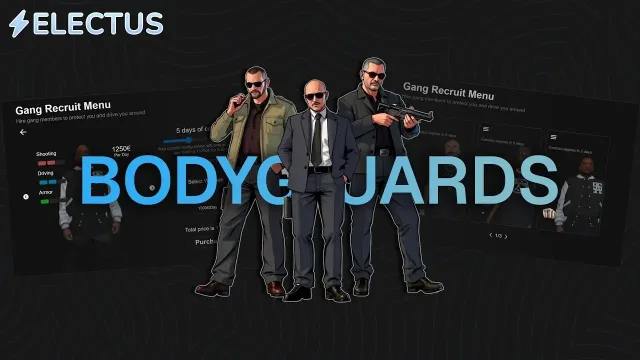
Hire AI bodyguards, gang recruits, and police backup instantly
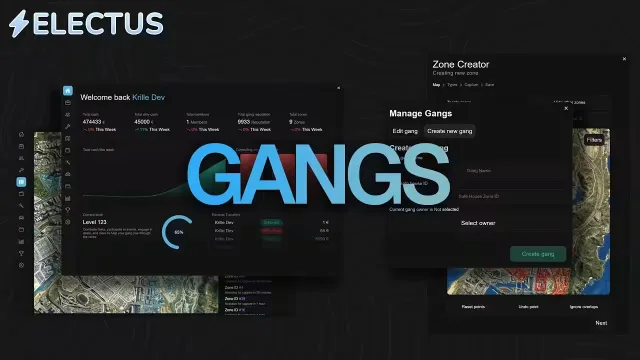
Claim territories, raid safes, dominate every gang war

Real-time vehicle tracking darts for police RP

Lightweight server-side anticheat that blocks exploits without bloating performance
![QBCore Framework V7 [NoPixel 4.0] FiveM script preview](/uploads/card/b03fc88efe798acb6c9dacfce8cdff39.webp)
NoPixel 4.0 inspired QBCore framework, install and launch
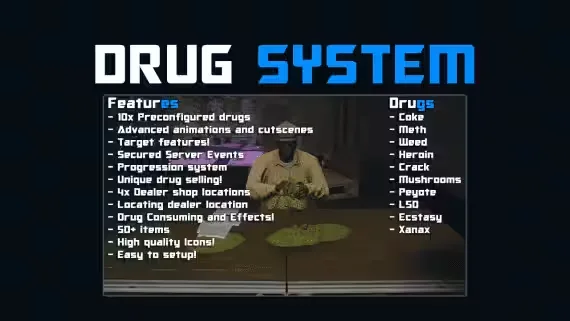
10 drugs, target-based animations, secured progression system
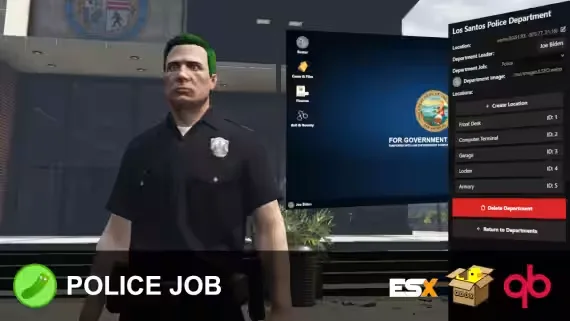
Build, manage, and run every department directly in-game.
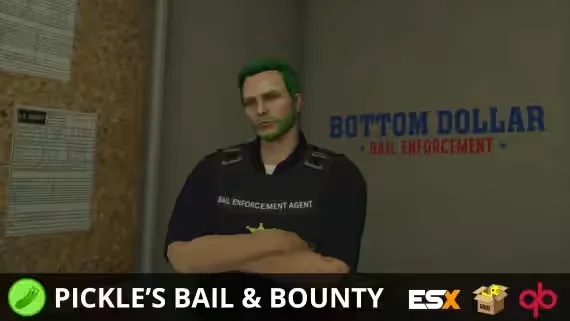
Turn bail jumpers into payouts with parole and bounty hunting

Stream YouTube, Twitch, and web to in-game TVs
FREE FiveM Admin Menu | NUI Command Panel | QBCore Ready is listed at FiveM Tebex Store and tagged for qbcore, qbox. Use the description, previews and stated requirements to judge whether it fits the stack you're actually running.
Before you buy, confirm the exact framework version, any inventory or target dependencies, and what the license lets you do with the files. Then back up your database and test on a dev server before anything reaches your live city.