
DRC Advanced Bahama Mamas Job — Optimized ox_target Bar Script
$10.00
Run Bahama Mamas with animations, duty, and boss menu
Instant digital delivery
FiveM script
Customizable FiveM HUD with 11 styles, near-zero resmon
Screenshots and video of the script in an actual server, not mockups. Have a look here, then order from the panel on the right.


Everything below is the creator's own published description — features, requirements and setup notes, exactly as they wrote them.
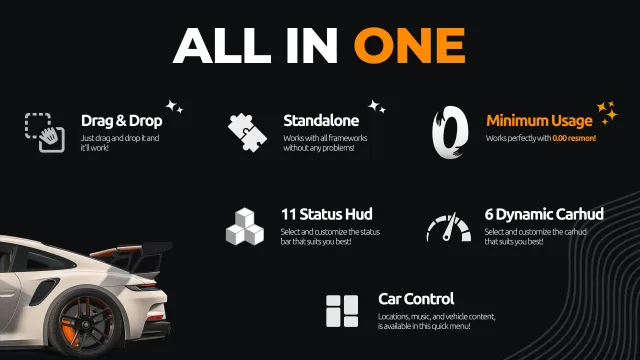
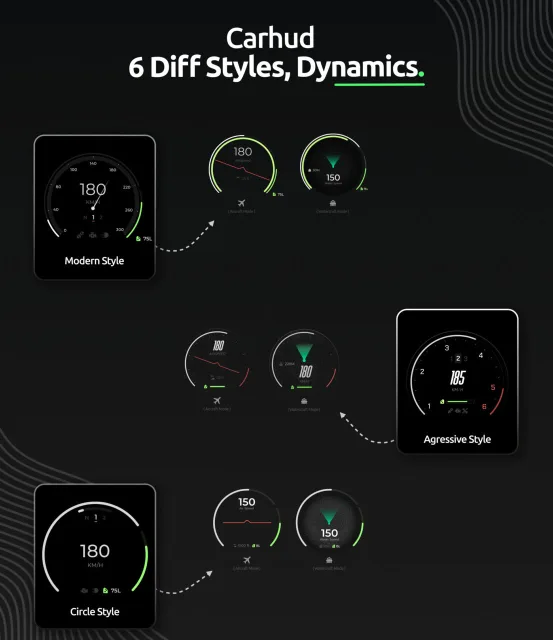
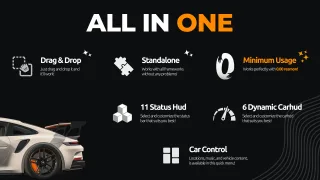
A fully customizable, all-in-one HUD for FiveM featuring 11 status bar styles, 6 dynamic speedometers, and a complete car control menu — all with near-zero resource usage.
Optimized Performance Built for performance from the ground up. WAIS HUD V6 runs at 0.00ms resmon outside vehicles and just 0.01ms while driving, so your server stays smooth no matter how many players are online.
Drag & Drop Installation | Fully Standalone No framework dependencies, no complicated setup. Drop it into your resources folder and it works out of the box — compatible with QBCore, ESX, and any other framework.
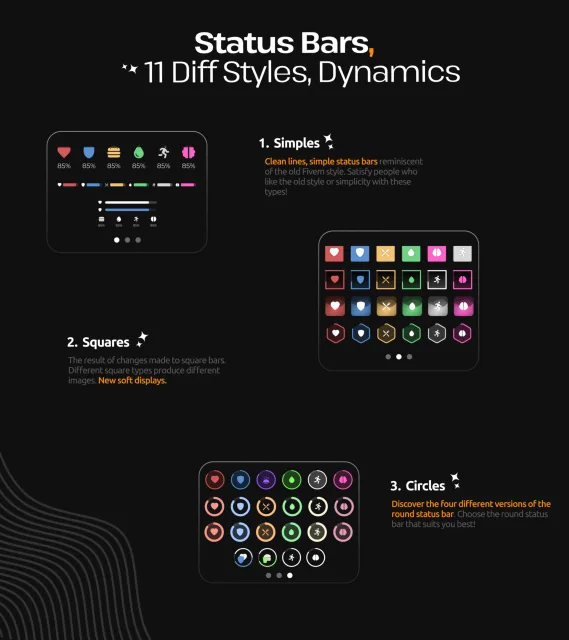
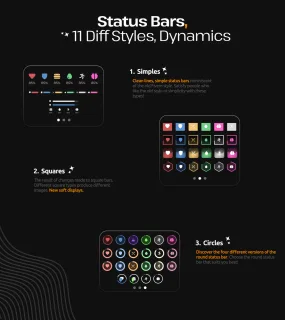
11 Status Bar Styles Choose from three distinct design categories, each with multiple variations:
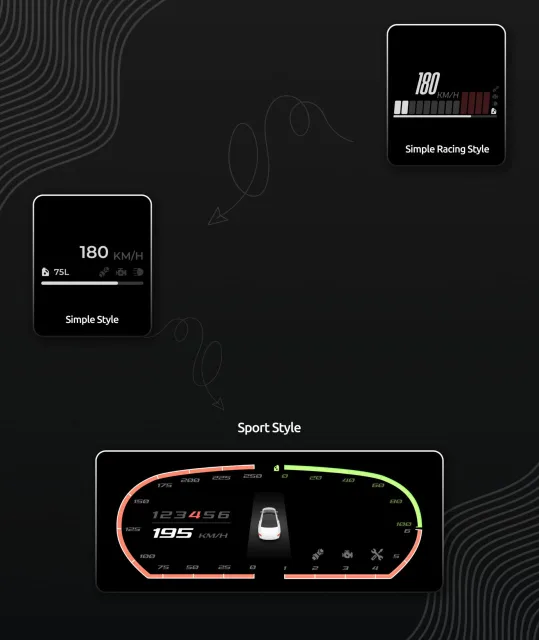
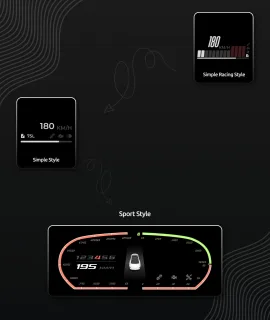
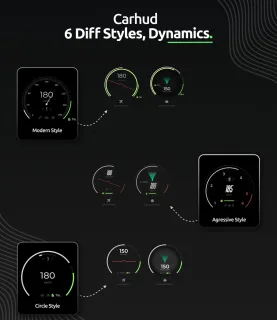
6 Dynamic Vehicle HUDs Fully animated speedometers with dedicated displays for cars, boats, and aircraft. Each vehicle HUD adapts dynamically to the vehicle type you're driving.
4 Right-Corner Info Panels Display cash, bank balance, job title, gang affiliation, and more in a compact corner widget.
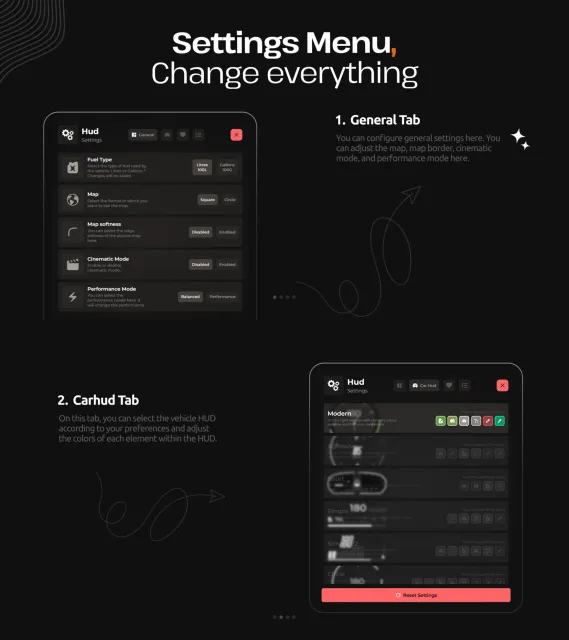
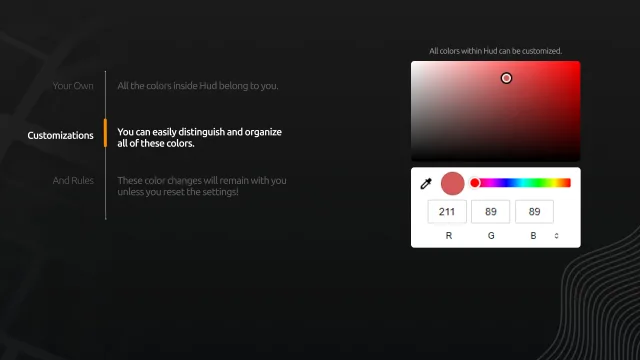
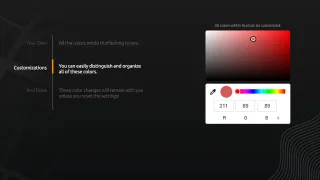
Full Color Customization Every color in the HUD is yours to change. Customize status bars, vehicle HUD elements, and UI accents individually — your settings persist across sessions until you reset them.
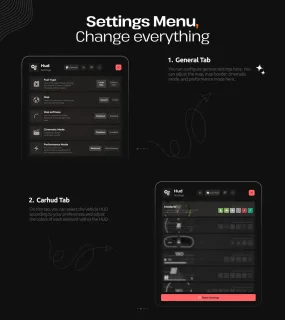
In-Depth Settings Menu
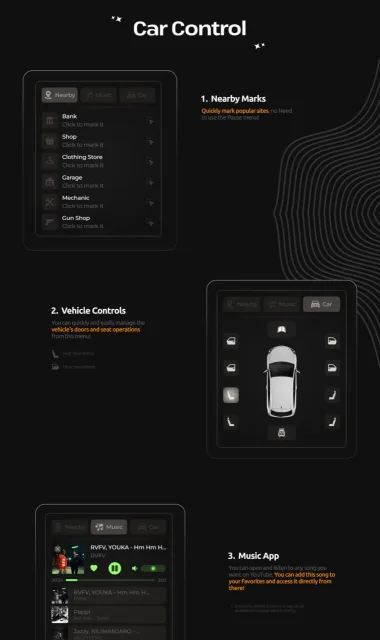
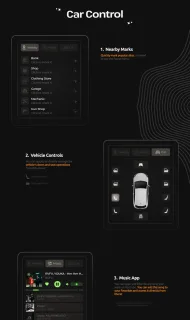
Built-In Car Control Menu
Run Bahama Mamas with animations, duty, and boss menu
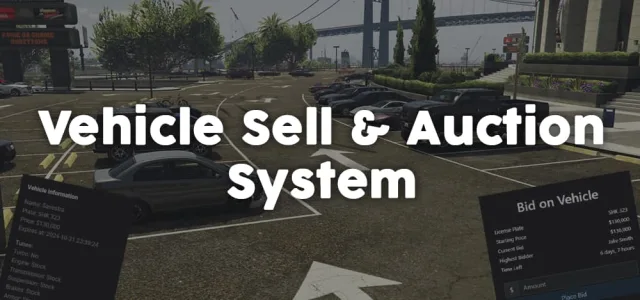
List, bid, and sell vehicles with full mod preservation
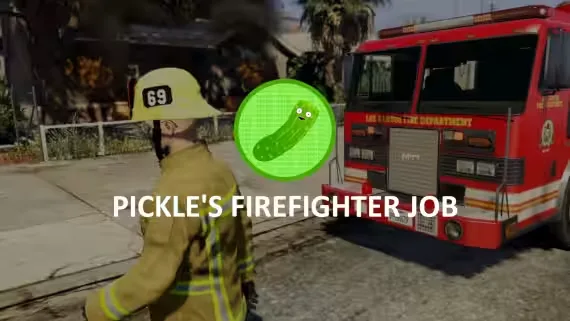
Team-based firefighting roleplay with dynamic fires and XP rewards
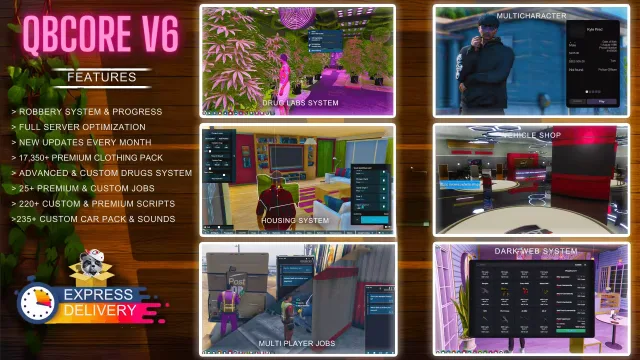
Premium QBCore server pack with 220+ scripts and monthly updates

Lightweight server-side anticheat that blocks exploits without bloating performance
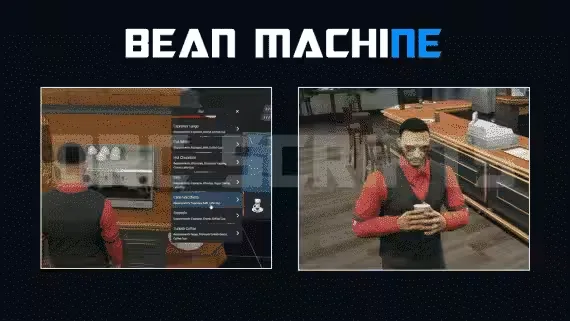
57-item Beanmachine job with NoPixel-style animations and delivery

Deploy blue, red, or orange roof lights on any vehicle
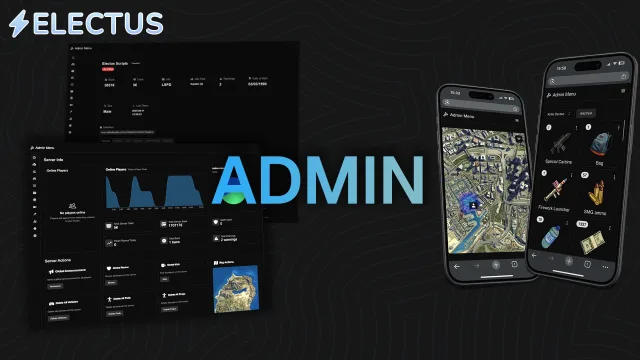
Browser-based admin menu with full framework and inventory control
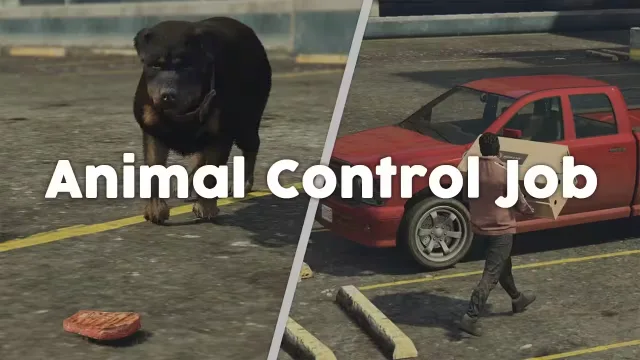
Capture strays across Los Santos with deposit-backed job vehicles
Realistic surgery gameplay with training mode and rewards
Turn bail jumpers into payouts with parole and bounty hunting
Free QBCore & ESX jail script with breakouts, work, and multi-prison support
WAIS HUD V6 | Customizable FiveM HUD | 11 Styles & Car Menu is listed at FiveM Tebex Store and tagged for esx, qbcore, qbox. Use the description, previews and stated requirements to judge whether it fits the stack you're actually running.
Before you buy, confirm the exact framework version, any inventory or target dependencies, and what the license lets you do with the files. Then back up your database and test on a dev server before anything reaches your live city.