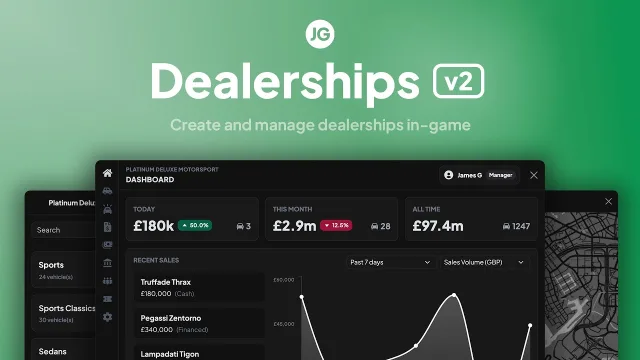
JG Dealerships v2: Player-Owned Car Showrooms
$20.00
Build and run player-owned car dealerships edited entirely in-game
Instant digital delivery
FiveM script
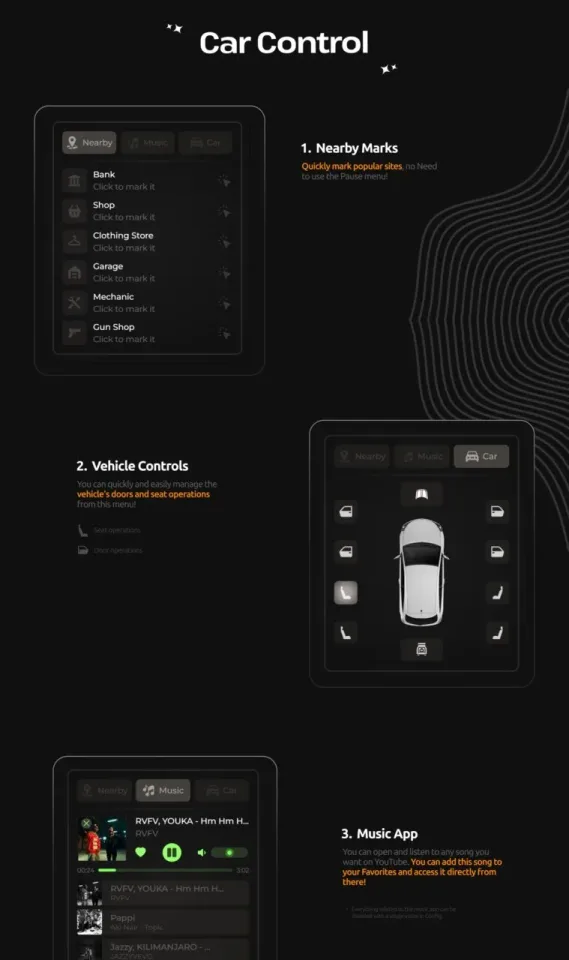
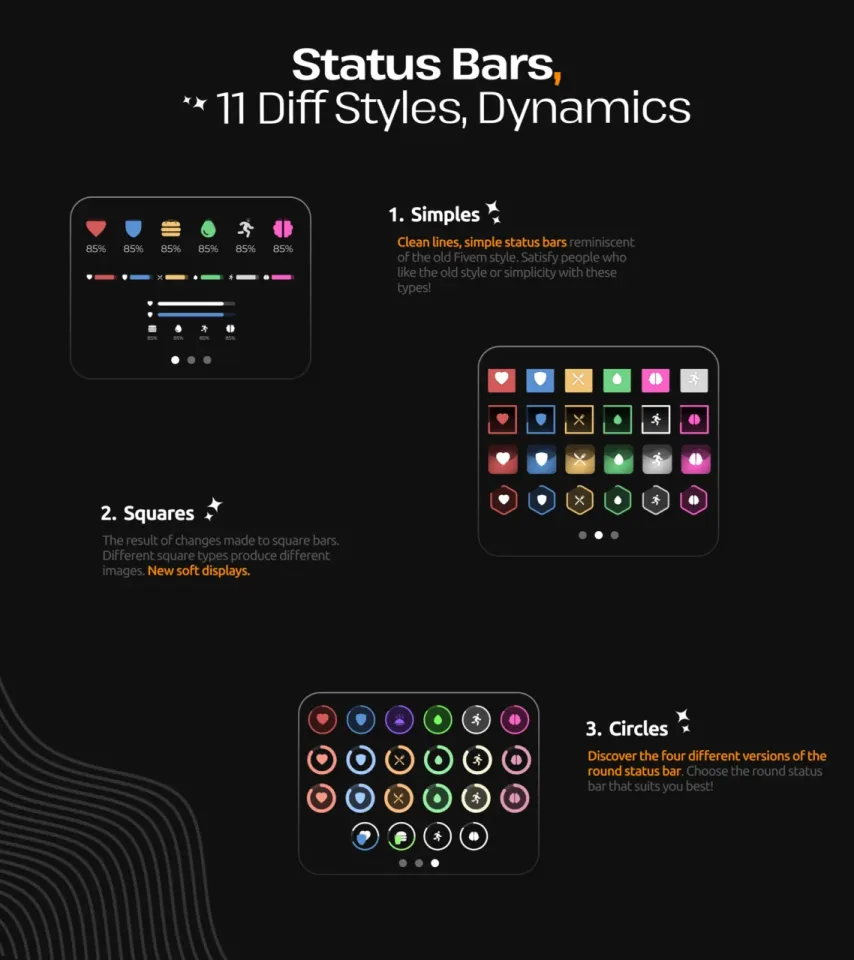
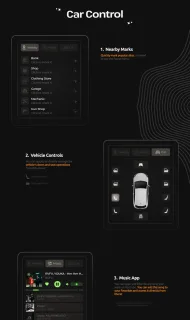
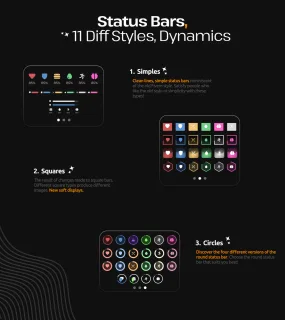
11 status bar styles and a built-in car control menu
Screenshots and video of the script in an actual server, not mockups. Have a look here, then order from the panel on the right.


Everything below is the creator's own published description: features, requirements and setup notes, exactly as they wrote them.
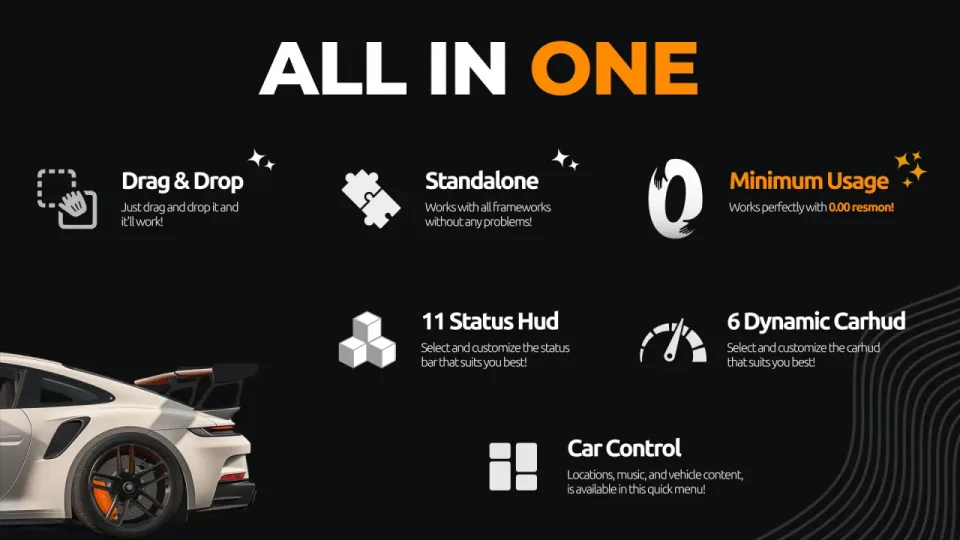
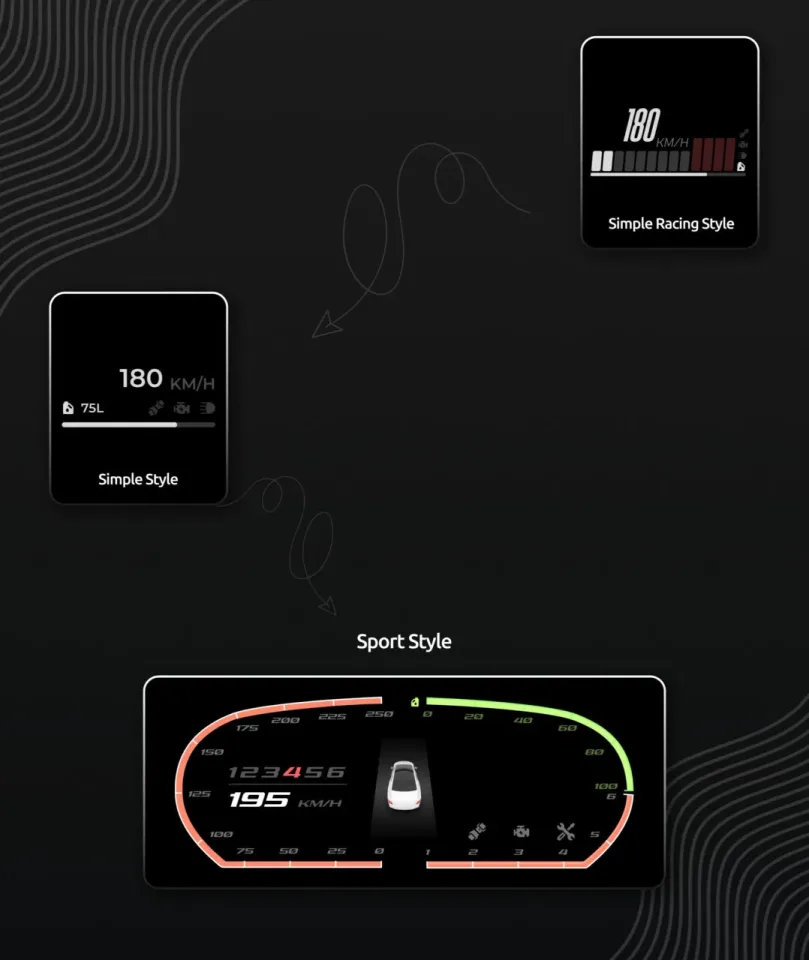
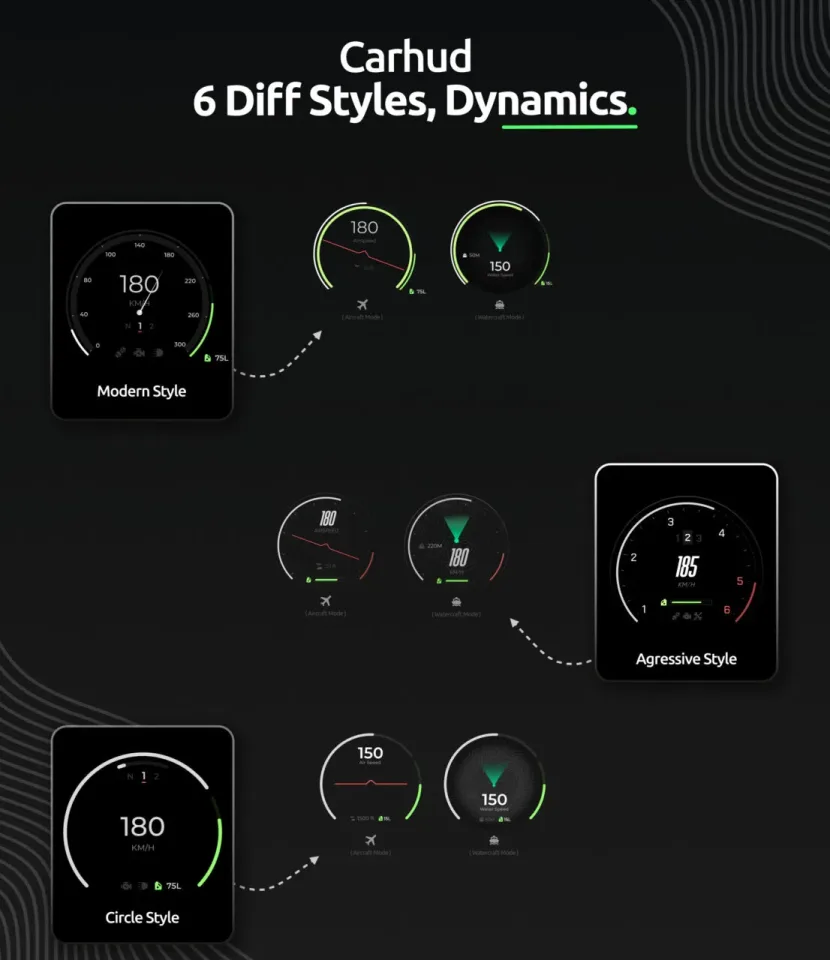
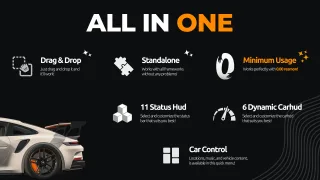
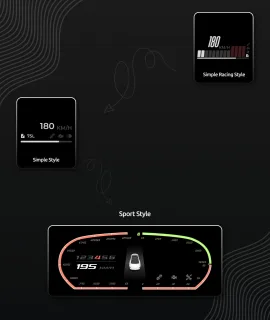
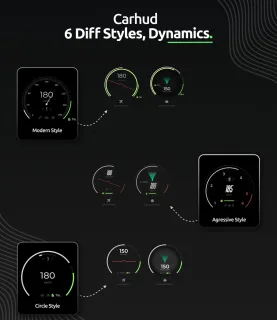
A standalone, all-in-one HUD for FiveM. It ships with 11 status bar styles, 6 dynamic speedometers, full color customization, and a built-in car control menu. Nothing here depends on a framework, so it drops straight into your resources folder and works.
WAIS HUD V6 runs at 0.00ms resmon outside vehicles and 0.01ms while driving. Player count does not change that, so the HUD is never the thing dragging your server down.
No framework dependencies and no complicated setup. Drop it into your resources folder and it works out of the box. It reads cleanly on QBCore, ESX, and any other framework.
Three design categories, each with multiple variations:
Animated speedometers with dedicated displays for cars, boats, and aircraft. Each vehicle HUD adapts to the vehicle type you are driving.
Show cash, bank balance, job title, gang affiliation, and more in a compact corner widget.
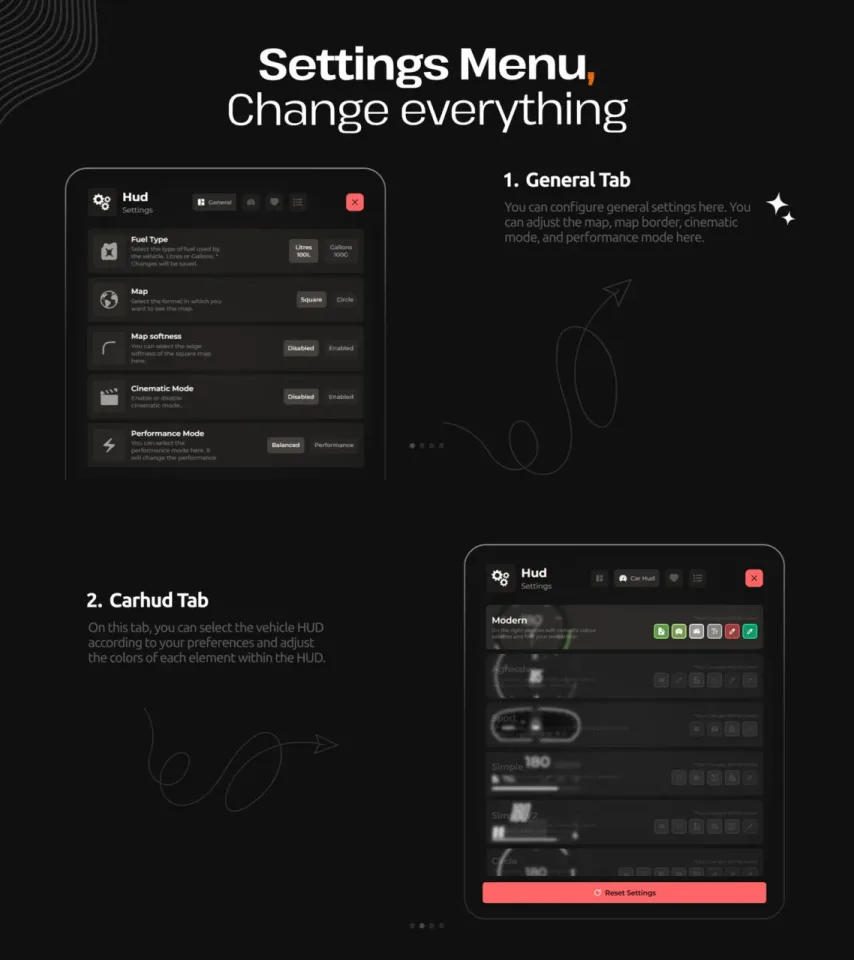
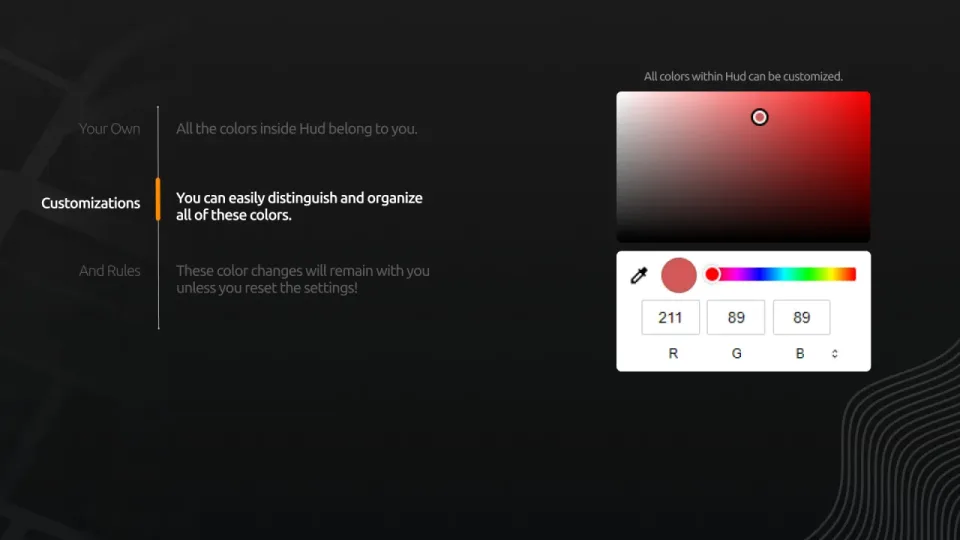
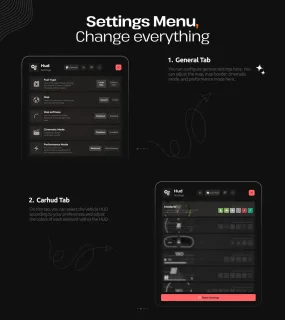
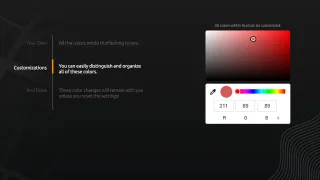
Every color in the HUD is yours to change. Status bars, vehicle HUD elements, and UI accents are set individually, and your settings persist across sessions until you reset them.
Reviews are checked before they go live. If you bought the script here, yours gets a Verified badge once approved.
Build and run player-owned car dealerships edited entirely in-game
Placeable tables, crafting queues, and blueprints you learn recipes from
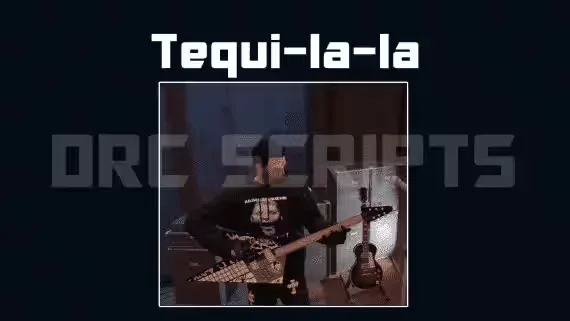
Run the Tequi-La-La bar with custom serving animations and a full boss menu
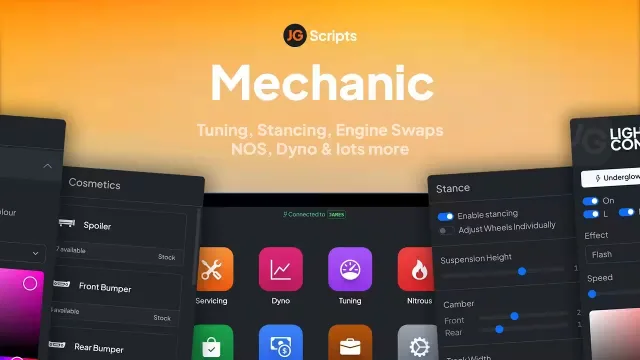
Adjust camber and tracking per wheel, fully synced and garage-saved
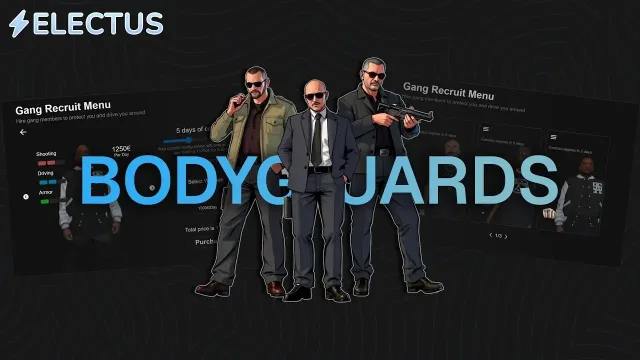
AI backup for servers short on cops or criminals

Sweep the ground, level up, and dig 50+ hidden items

Players run their own dealership and trade cars on pinkslips
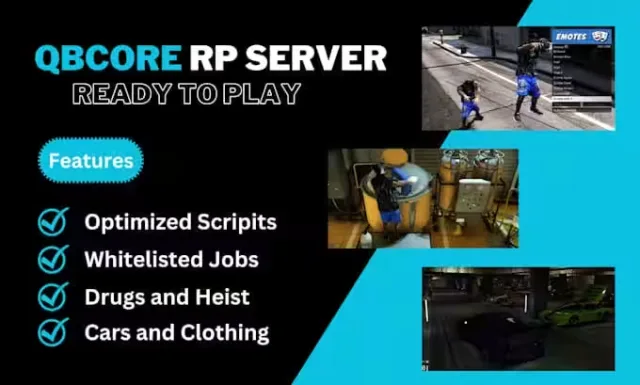
Ready-to-run QBCore V8 server carrying 400+ vehicles and 50+ police cars
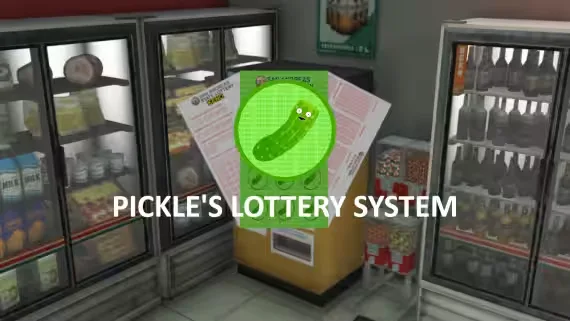
Keno, Moneyball and three scratch-offs bought at lottery stations
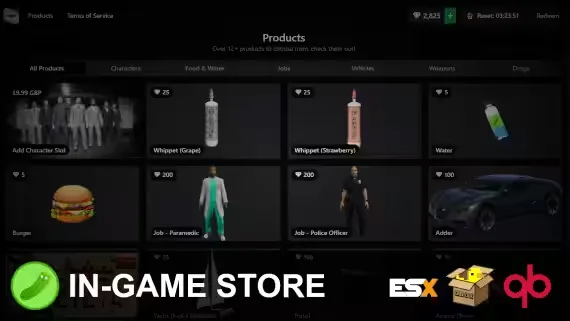
Players buy Tebex packages in-game with checkout as fast as 5 seconds
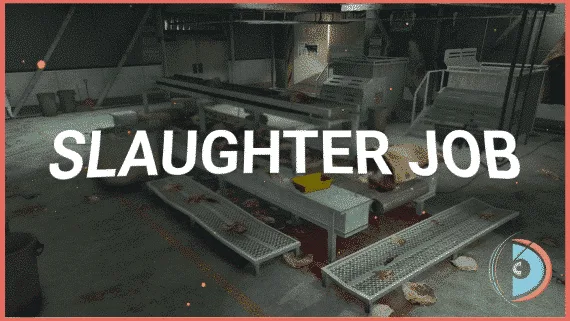
Take a cow from the pasture to eight graded cuts
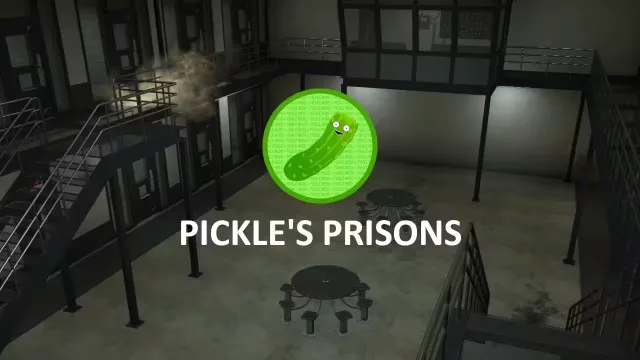
Free jail script that sends players to different prisons on the map
WAIS HUD V6 Customizable HUD With Car Menu is listed at FiveM Tebex Store and tagged for esx, qbcore, qbox. Use the description, previews and stated requirements to judge whether it fits the stack you're actually running.
Before you buy, confirm the exact framework version, any inventory or target dependencies, and what the license lets you do with the files. Then back up your database and test on a dev server before anything reaches your live city.