QBCore V6 Ready-Made Server Pack
$110.00
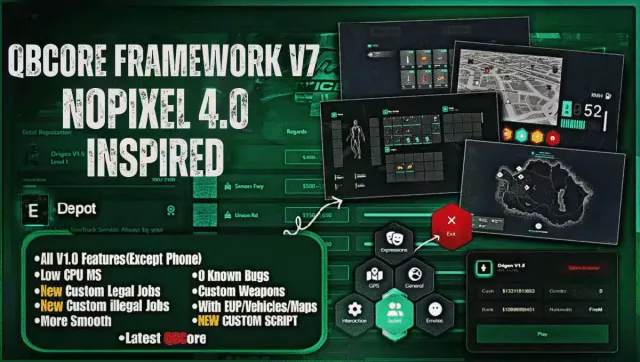
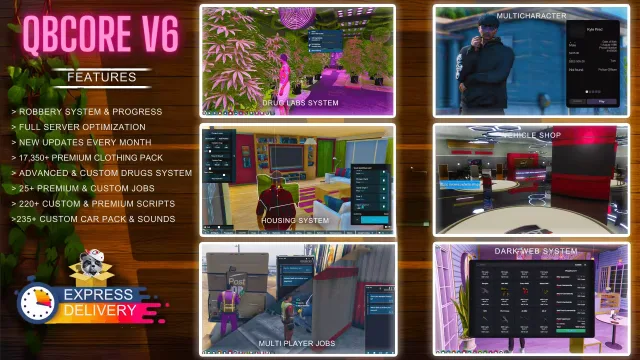
220+ scripts, custom heists and monthly patches in one QBCore server
Instant digital delivery
FiveM script
FiveM MLOs are the custom interiors that turn a locked door into a place your players actually walk into. Every build here runs on QBCore and ESX, and most drop straight into your resources folder with a stream folder and a spawn line. You get police stations, hospitals, nightclubs, restaurants and player-owned businesses, all built with proper collisions and navmesh so peds and vehicles behave.
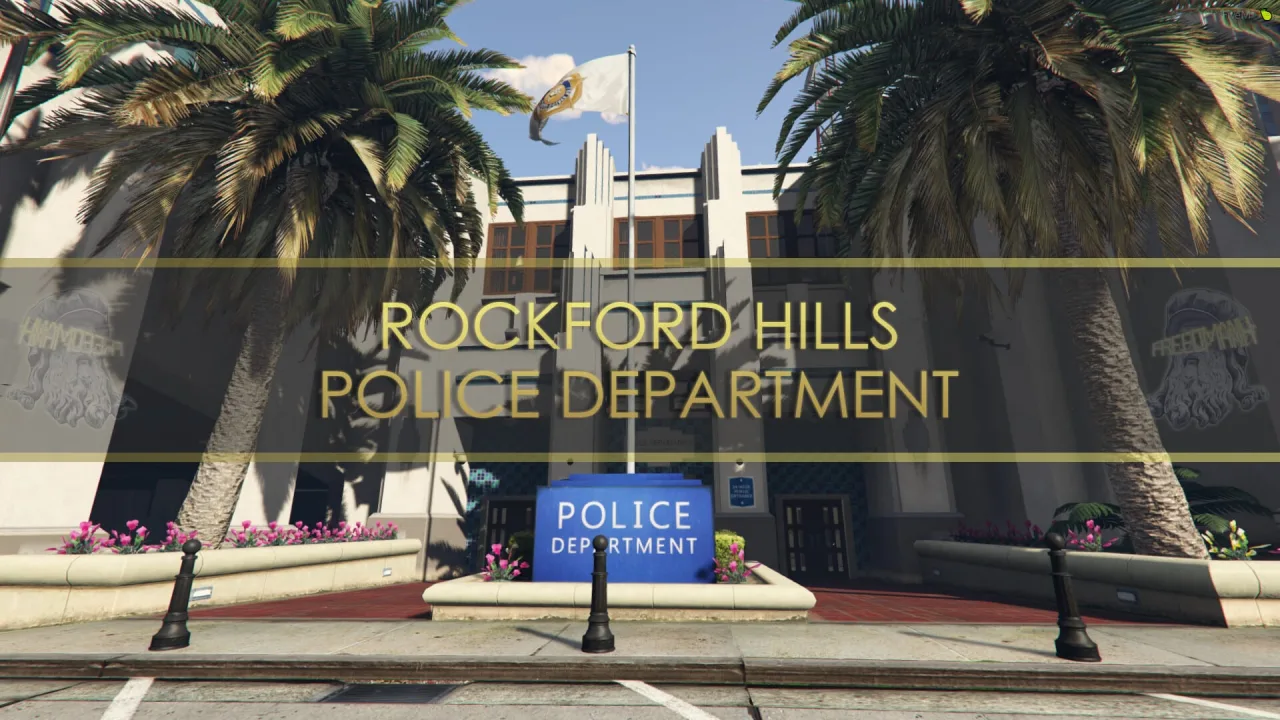
An MLO is what separates a city that feels flat from one people want to roleplay in. Stock GTA interiors are limited and shared, so the moment two gangs want a base or your PD needs a booking room, you need custom interiors. That is what these builds are. Each one adds a real walkable space with its own collisions, lighting, props and teleport points, streamed into your server so every player loads the same map.
The catalog covers the interiors a serious server actually needs. Police stations with cells, armouries and briefing rooms. Hospitals with beds, surgery rooms and reception. Nightclubs and bars for events. Restaurants and cafes for job scripts. Mechanic shops, tuner garages, warehouses for the criminal side, and shells you can hand to players as owned businesses. Some ship as a bare interior you decorate yourself, others come fully propped and ready to spawn.
resmon even when it is streamed in. Check the listed figure and watch for builds that spike when you walk inside.ynv so peds path correctly, and no falling through the map. This is the single most common thing cheap MLOs get wrong.Every MLO here works on QBCore, Qbox and ESX, because an interior is map data first and framework logic second. Installation is usually drag-and-drop. You drop the resource into your resources folder, add ensure or start to your server.cfg, and the interior streams in on the next restart. Most builds include a stream folder for the models and textures, a .ytyp and .ymap for placement, and often an interior proxy file so occlusion and portals work.
For job interiors you tie the teleports and markers into your existing scripts using the coords in the readme. A police MLO drops in beside your dispatch and booking scripts, a hospital MLO lines up with your ambulance job, and a business shell pairs with a player-owned business or shop script. If a build ships as an IPL replacement, follow the listing on disabling the vanilla interior so the two do not clip. None of this needs a mapping background, the readmes walk you through the spawn line and the coords.
One thing worth planning: load order and streaming budget. Interiors stack up fast, and a city running twenty MLOs eats memory. Stream what your players use and cull the rest. Test each new interior on a populated server, not an empty one, because prop pop-in and frame drops only show under load.
Buying MLOs from one place saves you the guesswork of trawling forums for a build that actually loads clean. Every interior here is checked to spawn without collision holes, and the listing tells you the framework fit and the install steps before you pay. You get the stream files, the placement data and a readme that gives you the spawn line and teleport coords, so an interior that took a mapper weeks goes live on your server in minutes. When a build updates, you get the update. That is the difference between a city that grows and one held together with broken shells.
MLO stands for Multi Level Object, the term the community uses for a custom interior you can walk into. It adds a new walkable space with its own collisions, props and lighting, streamed to every player on your server. MLOs are what let you add things like a custom police station or a player-owned bar that vanilla GTA does not include.
Yes. An MLO is map data first, so the interior itself loads the same on QBCore, Qbox and ESX. The framework side is just the teleports and job coords, which you line up with your existing police, ambulance or business scripts using the numbers in the readme.
Drop the resource into your resources folder, add an ensure line to your server.cfg, and restart. The build streams in its models and placement data automatically. Most listings include the spawn line and any steps for disabling a vanilla interior so the two do not clip.
A well-built interior stays low on resmon and uses LODs and sensible prop counts to protect frames. Cheap MLOs with hundreds of unoptimized props are where FPS drops come from, so check the listed resmon figure and test on a populated server. Stream the interiors your players actually use and cull the rest to keep your memory budget in check.
A finished MLO comes decorated with props, lighting and teleports ready to spawn. A shell is an empty space you furnish yourself, which gives you full control but costs more of your time. Each listing tells you which one you are buying so there are no surprises.
It depends on the build. Some ship escrow-locked, others give you the raw files so you can move props or adjust lighting. If you plan to edit the interior, check the listing for whether it is open or what the escrow lets you change before you buy.