Free Pickle's Surgery System with Hand Targeting
FREE
Grab tools by hand and operate on real or training patients
Instant digital delivery
FiveM script
Job scripts are the backbone of any roleplay economy, from whitelisted police and EMS to grindable civilian work like mining, fishing, delivery, and mechanic shops. The packs here run on QBCore, ESX, and Qbox, and most lean on ox_lib and ox_target so the menus and interactions feel current instead of dated stock UIs.
Grab tools by hand and operate on real or training patients
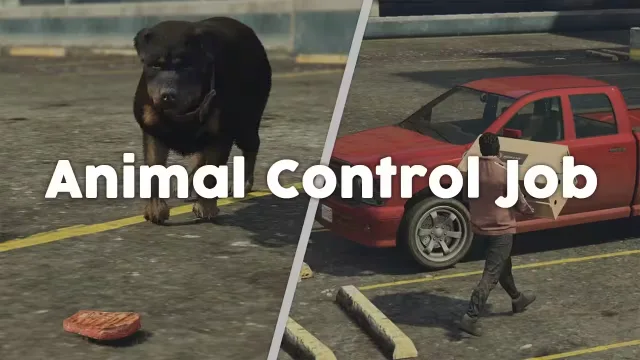
Bait strays, crate them, haul them back to Sandy Shores for the payout
Put players on parole, then let bounty hunters collect the ones who skip
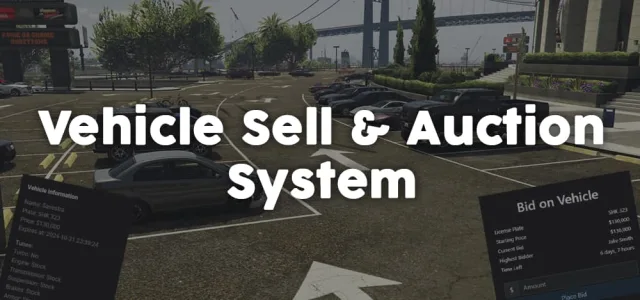
Auction cars or sell them outright, with every mod kept intact
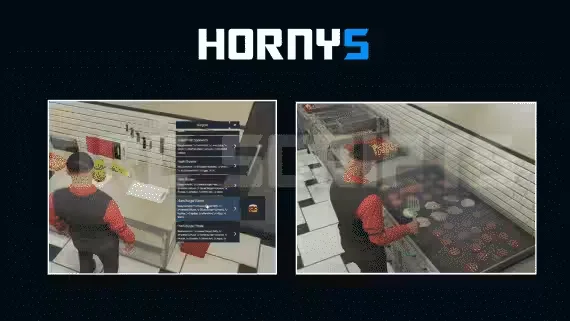
Cook and run deliveries across 40 stops in a NoPixel-style Horny's
One config runs every food job in your city
Free jail script that sends players to different prisons on the map
Player-owned businesses built in-game with a full trading economy

Run the Tequi-La-La bar with custom serving animations and a full boss menu

Players run their own dealership and trade cars on pinkslips
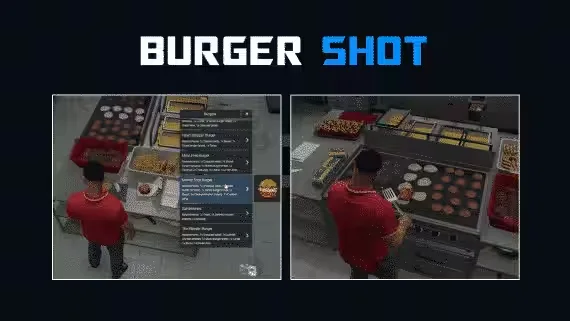
Run Burgershot on the Gabz map with 40 delivery drops
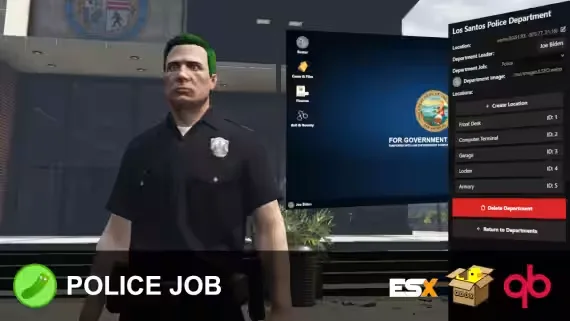
Build and run every department from a computer terminal, no framework jobs

Blend two grape types into premium wine for bigger delivery payouts

Ballistic and riot shields your officers can drop, place, and carry
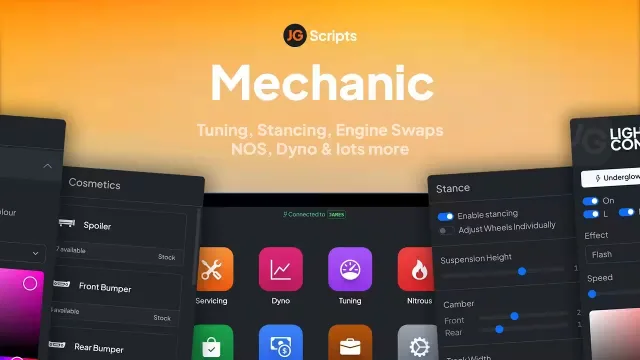
Adjust camber and tracking per wheel, fully synced and garage-saved
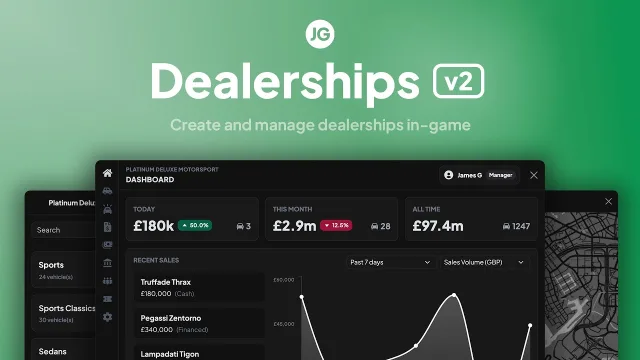
Build and run player-owned car dealerships edited entirely in-game

Every Bahama Mamas station targetable, from dishes to dance platforms
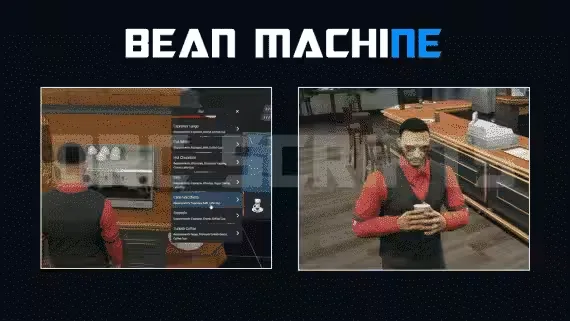
57 items, 40 delivery drops, cook and run the whole coffee shop
A server lives or dies on what players do between the big scenes. Job scripts are that in-between. They give a fresh spawn a reason to log in, a way to earn a first paycheck, and a ladder to climb toward the cars and houses everyone actually wants. This category collects the jobs that carry an economy: whitelisted emergency work, blue-collar grinds, and player-facing businesses that turn a street corner into a real workplace.
The spread here covers both sides of the map. On the whitelisted side you get police, EMS, and government roles with duty toggles, MDT-style menus, and evidence or billing hooks. On the civilian side you get the grind jobs that keep new players busy: mining, fishing, lumberjack, trucking and delivery, garbage, and mechanic work with vehicle repair and part installs. Many packs also ship owned-business logic so a player can run the tow yard or the mechanic shop as an actual job instead of a static NPC.
Most of these resources are drag-and-drop. You drop the folder into your resources directory, add the ensure line to your server.cfg, and run the included SQL if the job stores data like owned shops or player stats. Jobs that use ox_lib, ox_inventory, or ox_target expect those dependencies already running, so start them earlier in your load order. For framework jobs you will usually register the job name and grades in your shared jobs file, whether that is qb-core/shared/jobs.lua or your ESX jobs table, then set the payout and item values in the script config. Reward items like ores, fish, or repair kits need to exist in your inventory before the job can hand them out, so add those entries first if they are not already there. Read the included docs for the exact keybinds and target options, since those differ between a qb-target build and an ox_target build.
Every job script here is listed with its framework, its dependencies, and whether it ships escrow or open source, so you know what you are getting before checkout. We favor resources that keep clean menus, sane payout configs, and low resmon numbers, because a job that tanks your server is not worth the install. If a pack needs ox_lib or a specific target system, that is on the page, not buried in a readme you find after purchase. Buy once, drop it in, tune the config, and put your players to work.
Most packs here target QBCore, ESX, or Qbox, and many ship support for all three in one config. Each product page lists the framework it was built for. Check that line before you buy so it matches your server base.
A lot of modern job scripts use ox_lib for menus and ox_target or qb-target for interactions. If a script needs those, the dependency is listed on its page. Start those resources before the job in your load order.
Yes. Well-built job scripts expose payout per action, cooldowns, and bonus tiers in the config file. That lets you balance a new job against your existing economy. Open source scripts also let you rewrite the reward logic entirely.
Drop the folder into your resources directory and add an ensure line to your server.cfg. Run the included SQL if the job stores data like owned shops. Then register the job name and grades in your framework's shared jobs file and set the config values.
A good job script idles well under 0.05ms and only runs logic when a player is working. Product pages note performance where the creator provides it. If a resmon figure is not listed, ask before buying.
Whitelisted jobs like police and EMS use job grades and permission gates so only assigned players can go on duty. Civilian jobs like mining, fishing, and delivery are open grinds any player can take for a paycheck. Many servers run a mix of both.
Both are represented here, and each page states which one applies. Escrow keeps the config editable but locks the core code. Open source lets you edit payouts, add items, and change the logic yourself.