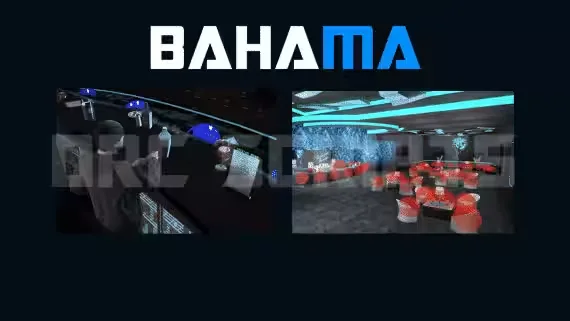
DRC Bahama Mamas Bartender Job
$10.00
Every Bahama Mamas station targetable, from dishes to dance platforms
Instant digital delivery
FiveM script
Qbox is the community fork of QBCore that ships with ox_lib, ox_inventory and ox_target as first-class dependencies. The scripts here are written against qbx_core exports and the ox stack, so they drop into a Qbox server without the shim files and metadata hacks that old QBCore resources need. Most also carry ESX and QBCore bridges if you run a mixed setup.
Every Bahama Mamas station targetable, from dishes to dance platforms
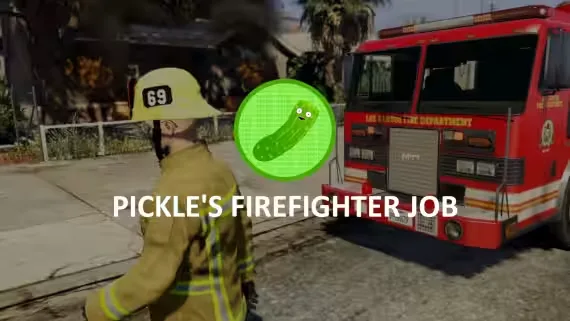
Extinguish fires as a crew and split rewards by damage done
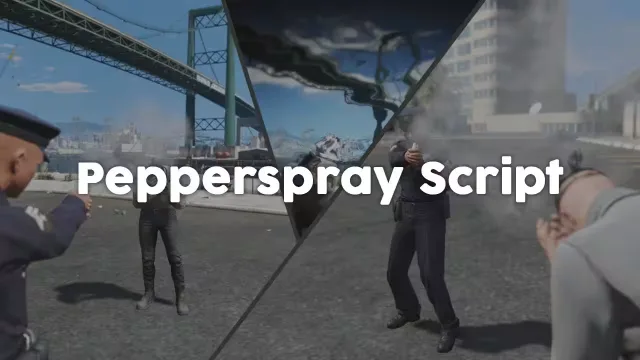
Addon pepper spray that paralyses the target on hit

Loot random NPC vehicles with synced, class-based loot tables
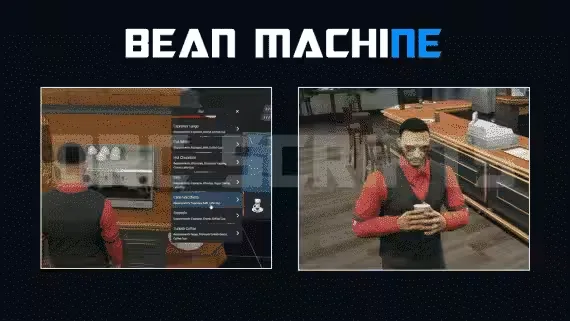
57 items, 40 delivery drops, cook and run the whole coffee shop
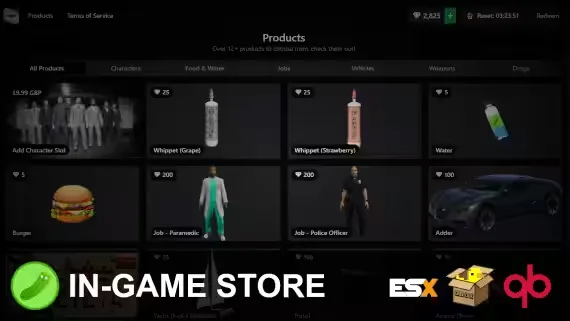
Players buy Tebex packages in-game with checkout as fast as 5 seconds
Qbox grew out of QBCore because a lot of server owners wanted the QB feel without the dependency mess. It leans on the ox libraries instead of bundling its own inventory and target systems, and it keeps player data, jobs and metadata in a cleaner shape through qbx_core. That matters for the scripts you install. A resource written for Qbox talks to exports.qbx_core and pulls items from ox_inventory directly, so you are not editing qb-core/shared/items.lua by hand or fighting two target scripts at once.
Everything on this page is grouped because it runs on that stack. You will find job scripts, robbery and heist systems, player HUDs, garage and vehicle resources, admin menus and roleplay props that expect ox_lib for their menus and ox_target for interaction. If you already run Qbox, these are the resources that install with the least friction.
ox_lib, ox_inventory and ox_target.qbx_core player and job exports. Older code that still calls QBCore.Functions.GetPlayer through a bridge works, but native calls are cleaner and break less on updates.Every script here is made for Qbox and its ox dependencies. Before you install, confirm your server already runs ox_lib, ox_inventory and ox_target, because most Qbox resources will error on start without them. Installation is usually drag-and-drop. You drop the folder into your resources, add a single ensure line to your server.cfg, register any new items in ox_inventory, then set your locations and prices in the config.
Items are the one step people miss. ox_inventory holds its item list separately, so if a script adds a lockpick or a bag of cash you add that item to the ox_inventory items file, not to a QBCore shared file. Most sellers include the exact item block to paste in. Read the readme for the SQL too. Job scripts and property systems often ship a .sql file you import once through your database tool.
If you run QBCore or ESX alongside Qbox, check the bridge notes before buying. A script advertised as Qbox-first may still run on QBCore through a compatibility layer, but the reverse is not always true. When in doubt, buy the version that names your framework in its dependency list.
We list resmon figures, framework support and dependency requirements on the product page so you know what you are getting before checkout. You can see whether a script is open source or escrow, which ox libraries it needs, and whether it carries QBCore and ESX bridges. Files download instantly after purchase, and updates come through the same page. If a script says Qbox, it has been checked against a current Qbox build with the ox stack, not just tagged for search traffic.
Qbox is a community fork of QBCore that uses the ox libraries as core dependencies instead of bundling its own inventory and target systems. It keeps player data and jobs in a cleaner shape through qbx_core. In practice that means scripts hook into ox_inventory and ox_target directly, so installs need fewer bridge files and manual patches.
Many do, but only if they ship a bridge. A lot of Qbox releases carry QBCore and ESX compatibility layers so the same resource runs across all three. Always check the dependency list and framework notes on the product page before buying, because a Qbox-first script is not guaranteed to run on QBCore without that bridge.
Most Qbox scripts expect ox_lib, ox_inventory and ox_target to already be running on your server. Some also need oxmysql for database features. If those are missing the resource will usually error on start. Confirm you have the ox stack installed and ensured in your server.cfg first.
ox_inventory keeps its item list in its own items file, not in a QBCore shared file. When a script adds a new item like a lockpick or a cash bag, you paste that item block into the ox_inventory items list. Sellers normally include the exact block to copy in the readme.
It varies by product, so check the listing. Some Qbox scripts are fully open source and let you edit and extend the code. Others are escrow-protected through Tebex, which locks the core logic but usually still exposes a config file for prices, locations and items.
Installation is normally drag-and-drop. You place the folder in your resources, add an ensure line to server.cfg, register any new items in ox_inventory, and import the included SQL file if there is one. After that you set your locations, prices and job grades in the config file.