
Pacific Bank Heist with Lasers and Thermite
$10.00
Grill a hobo and the guard for the vault code before you burn in
Instant digital delivery
FiveM script
ESX is still the framework most FiveM roleplay servers run on, and these scripts are built for it. Everything here targets es_extended, most of it supports ox_inventory and ox_lib out of the box, and the newer releases carry a QBCore or Qbox bridge so you are not locked in. You get jobs, economy, heists, HUDs and player-owned businesses that read xPlayer correctly and register their own usable items.
Grill a hobo and the guard for the vault code before you burn in
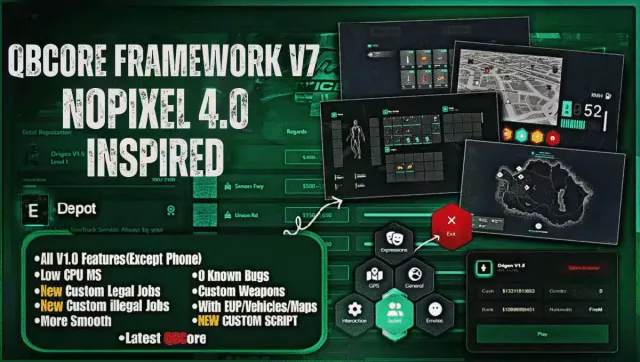
A NoPixel 4.0 inspired QBCore base you install and launch

Players run their own dealership and trade cars on pinkslips
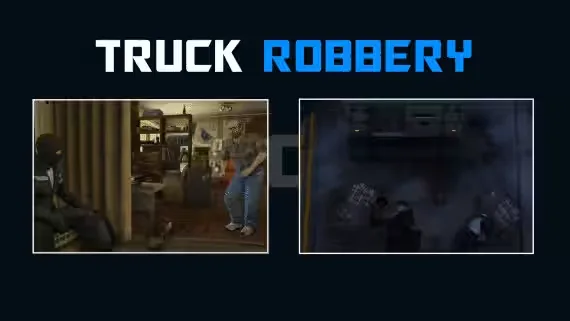
Rob the armored truck as a crew and pick your own payout

11 status bar styles and a built-in car control menu
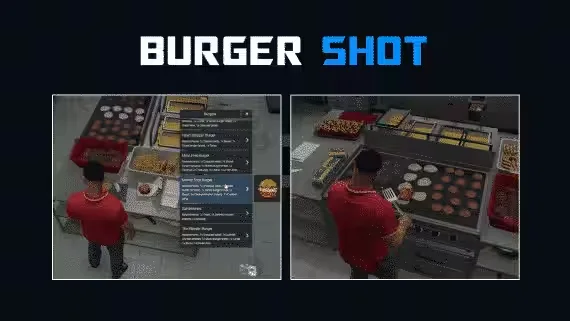
Run Burgershot on the Gabz map with 40 delivery drops

Sweep the ground, level up, and dig 50+ hidden items
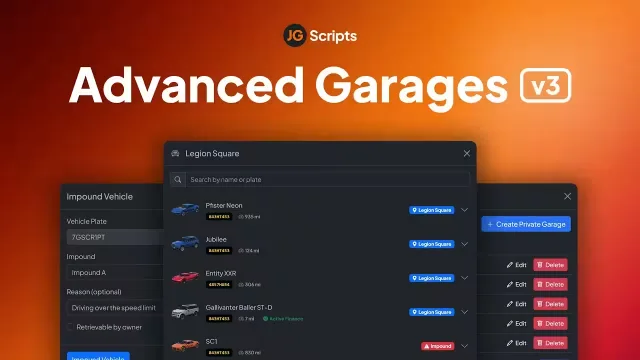
Walk into a physical garage, look over your cars, drive one out

Fire a dart into a fleeing car and follow the blip live
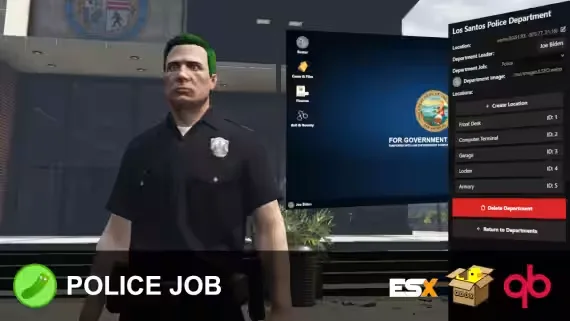
Build and run every department from a computer terminal, no framework jobs
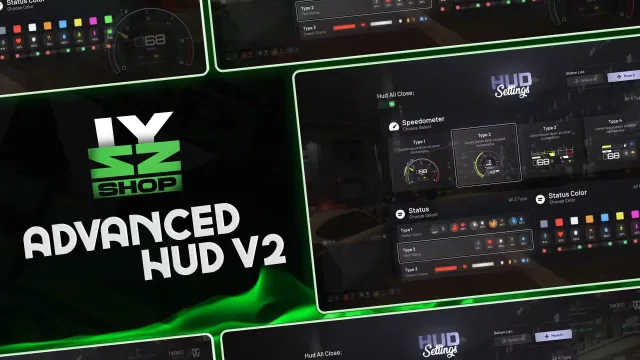
Draggable HUD with four speedometers and per-vehicle mileage tracking
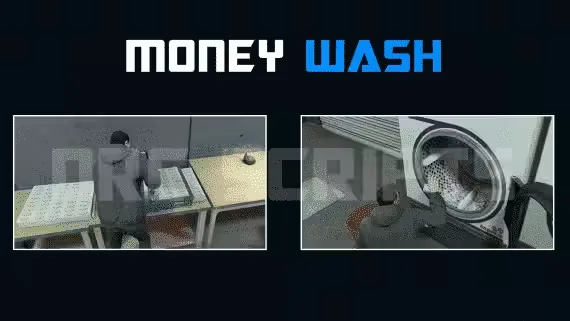
Player-owned laundromats with hacking, lasers, and 4 washing machines each
Free police MDT that runs at 0.0ms with a searchable citizen database
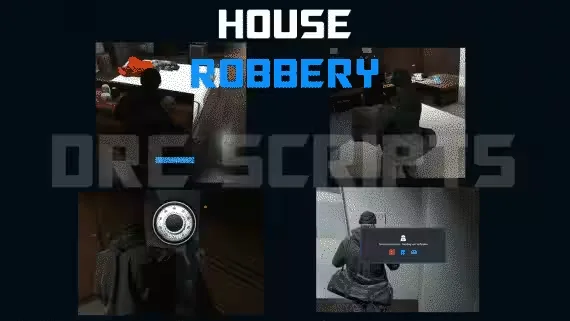
Powder reveals the laser grid before you crack the safe

Blend two grape types into premium wine for bigger delivery payouts
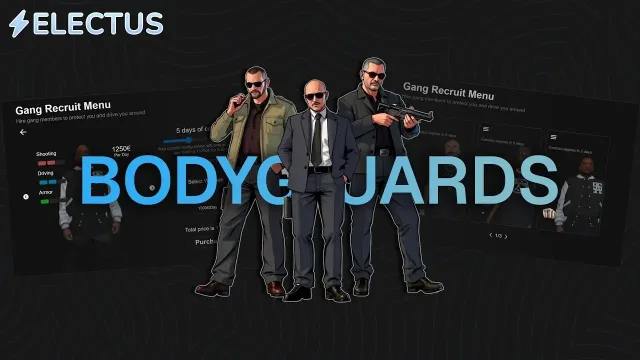
AI backup for servers short on cops or criminals

Ballistic and riot shields your officers can drop, place, and carry
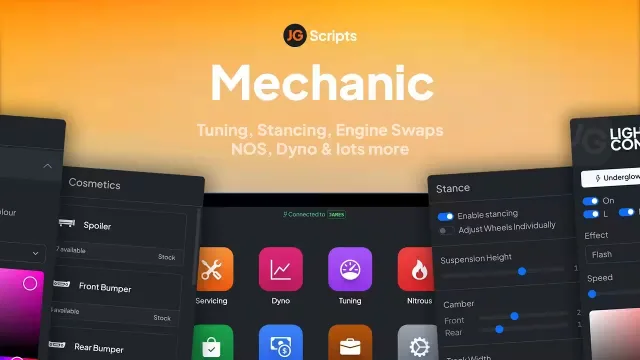
Adjust camber and tracking per wheel, fully synced and garage-saved
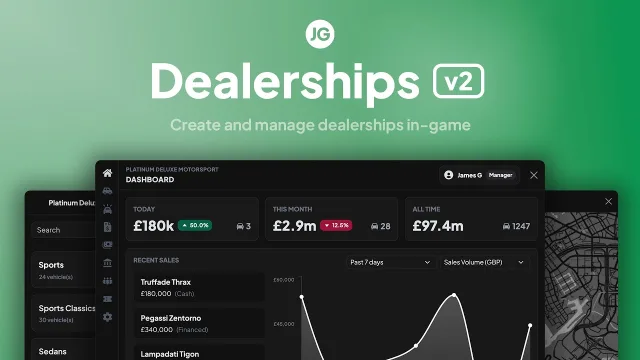
Build and run player-owned car dealerships edited entirely in-game
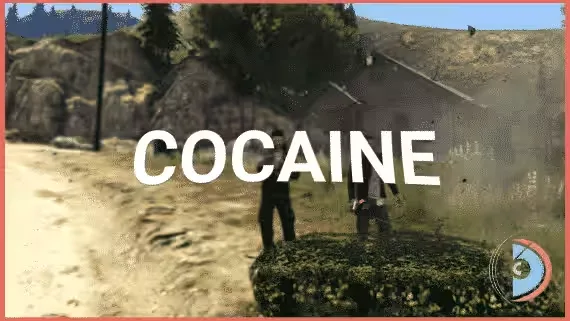
Overcook the microwave mini-game and your cocaine brick explodes

Server-side anticheat with a database ban system and 841 blocked models

Every Bahama Mamas station targetable, from dishes to dance platforms
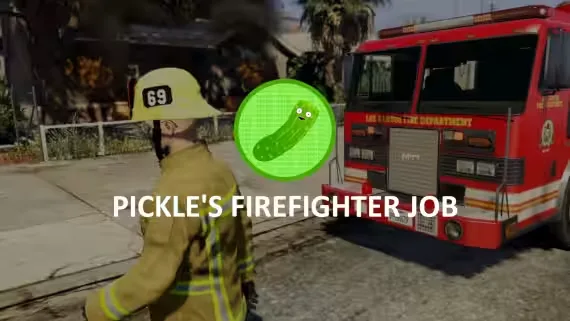
Extinguish fires as a crew and split rewards by damage done
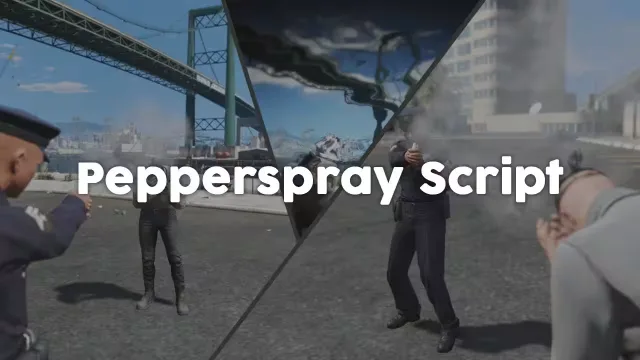
Addon pepper spray that paralyses the target on hit
ESX has powered FiveM roleplay servers for years, and the ecosystem around it is huge. That is the good news and the catch. There are ten versions of every job script, half of them abandoned, and a lot of them still call ESX.GetPlayerData() on a loop and eat your server thread. The ESX scripts on this page are the ones worth installing. They read the framework the way es_extended actually exposes it, they clean up after themselves, and they ship with a config you can read in one sitting.
Most servers that start on ESX build their identity out of jobs and economy. That is what this catalog leans into. Police and EMS reworks, mechanic and tow systems, drug production chains, robbery and heist scripts with real loot tables, banking and dirty-money washing, and the player-owned side of the map: dealerships, shops, warehouses and rentable properties. On top of that sit the quality-of-life pieces every ESX server ends up needing, like a HUD that shows hunger and thirst without covering half the screen, a phone, an inventory, and target/context menus.
config.lua. If you have to touch the client files to reskin it, that is a red flag.Everything in this category is built for ESX first. The listing on each product page states the exact es_extended versions it was tested against, whether it needs ox_lib, ox_inventory or ox_target, and any SQL you have to import. Most items follow the same drag-and-drop pattern: unzip into resources, run the included .sql file if there is one, add the ensure line to your server.cfg, and set your framework and inventory in the config. Dependencies like ox_lib and oxmysql are free and standard, so if you run a modern ESX server you probably have them already.
Items that also support QBCore or Qbox say so on the page and usually auto-detect the framework or expose a single config flag. If you are mid-migration, that bridge means you can install once and flip the switch later instead of buying the script twice.
We run ESX servers ourselves, so the catalog is curated rather than dumped. Every listing shows the real compatibility details, the dependencies, and preview media that reflects what you actually get, not a render. Purchases are tied to your CFX/Tebex account, so updates come through the same way you are used to, and escrow items stay protected without you managing keys.
If a script is open source, you can read it before you commit. If it is escrow, the product page tells you which parts are configurable so you know exactly how far you can customise it before you buy. When something breaks after a FiveM artifact update, the creators here push fixes, and you get them through your keymaster. Start with the core loop your server needs, whether that is a police job, a drug chain, or a proper economy, and build out from there.
ESX (es_extended) is one of the most widely used roleplay frameworks for FiveM. It handles player accounts, jobs, money and inventory, and scripts build on top of it. If your server runs es_extended, the scripts on this page are made for you.
Each product page lists the exact es_extended versions it was tested against, including the Legacy and 1.9+ lines. Check that field before buying, since the callback and player-data changes between versions matter. Many newer releases support both.
It depends on the script. Most modern ESX resources use ox_lib for menus and ox_inventory for items and stashes, and the page will state the dependencies. Both are free and standard on serious ESX servers, so you likely have them installed already.
Some can. Scripts with a framework bridge auto-detect ESX, QBCore or Qbox, or expose a config flag to switch. If cross-framework support matters, look for the bridge note on the product page rather than assuming it.
Escrow scripts are protected through Tebex, so the core logic is hidden but updates stay simple. Open source scripts let you read and edit everything. Each listing says which model it uses, and escrow items still let you configure the parts the creator exposes.
The usual flow is drag-and-drop. Unzip into your resources folder, import the included SQL if there is one, add the ensure line to server.cfg, then set your framework and inventory in the config. Any extra steps are documented on the product page.
Ask for the resmon number with the script open and in active use, not idle in an empty server. Well-built ESX scripts stay low under load and avoid looping heavy calls. Reviews and preview videos usually give you a realistic sense of performance.